A professional property shoot usually produces one hefty folder of photographs, but those images will later land on different platforms, take different shapes, be reshaped, resized, possibly tweaked in other ways and require different formats to do so. I mean they may appear on:
- a listing portal
- an agency website
- a printed brochure
- a newsletter
- several social accounts
A photographer or web system may deliver an efficient modern format such as AVIF, and another platform expects something more conventional. Converting avif to png can solve the compatibility problem without sending the image back through an entire editing workflow. Convertio, a browser-based online converter, will work wonders for image formats, as well as videos, documents, and any other conversions you can imagine in our digital day and age.
What happens before the conversion stage? Preparing real-estate images properly means deciding which copy is for the listing, which is for the web, which must be printed on paper, and which must be trashed (if any).
Platform first, camera file second
Real-estate photographers tend to work at much higher resolution than a property portal actually needs, often achieved with RAW files. Sensible and logical. A large master is forgiving to cropping, print use, future edits, basically, anything you may need.
Should you upload that master unchanged? Maybe not. Take Zillow, for example.
- Zillow accepts several image formats, for example JPG and PNG
- Currently limits uploaded photographs to 25 MB
- For its Home Details pages, it recommends images around 2048 × 1536 pixels
- Platform warns that very small files may produce poor results.
Those are platform requirements, not universal real-estate standards, which is precisely why agents should check the destination before exporting.Zillow's current photo guidance is pretty detailed, and you can take a look at what they prefer to see on the platform.
There is also no reason to assume that every format suitable for a website will be accepted by a listing service. AVIF now works in current versions of the major browsers (Chrome, Edge, Firefox and Safari) but that doesn’t mean every property portal, CRM or upload interface agrees.
Browser support and upload support are two different questions.
Convertio can sit between the master file and the destination rather comfortably. If the image arrives in a format the listing system rejects, the agent can make a compatible copy through an online converter rather than changing the original.
A property website has a ‘weight issue’
On an agency or property website, image quality and weight of the photos are equally important.
Property pages take it the hardest, especially considering there may be 20, or even 50 photographs on a single listing. Loading every one as a large PNG would be wasteful. For ordinary photography, JPEG, WebP or AVIF generally make more sense because they can compress continuous-tone images efficiently.
- AVIF is particularly interesting for web delivery.
- It supports both lossy and lossless compression as well as high color depth and transparency,
- AVIF is generally offers better compression than older formats such as JPEG and PNG.
- PNG is great when you need lossless reproduction or transparency.
- It is usually not the first choice for a gallery full of room photographs.
- Convertio’s online converter will guide you through compatible file formats
This does not render PNG outmoded. Now suppose an agency downloads the same AVIF image from their optimized website, and then tries to use it in software that doesn't support AVIF. Using an AVIF to PNG conversion will result in a general-use lossless PNG copy. It does not re-add any detail that might have been lost during the creation of a lossy AVIF. Conversion only alters the format of the image available and will not be able to restore the original camera data.
The most important thing to remember is that it's not a matter of which is the “best” format, but which is the “right” format.
Print Needs a Separate Export
What’s good for a website is tiny for the print, which needs considerably more pixel data when printed large on a page. Resolution needs will vary based on the physical size of the print, the printer and the production process, so it's best to inquire with the designer or printer on the resolution and format needed before sending files.
This typically includes maintaining the original high-resolution master image from the photographer even after lower versions for listing and web purposes have been produced. Do not overwrite it with a compressed website copy.
The same applies to colour and file format. The printer will need a good quality JPEG, TIFF, PDF or other production-ready file depending on the job. It's not good enough to send whatever version exists on the website.
This is also why a property-photo folder benefits from very boring organization. A much safer folder might contain:
- the untouched masters,
- a set exported specifically for listing portals,
- a web-optimized set,
- a print folder prepared according to the designer's specifications.
Cropping Can Cause More Trouble Than Conversion
A wide photograph that looks excellent across an agency website may be cropped aggressively inside a square preview. A vertical photograph may work well in a social post but poorly as a listing's lead image. Important details placed near the edge can disappear when a platform automatically creates thumbnails.
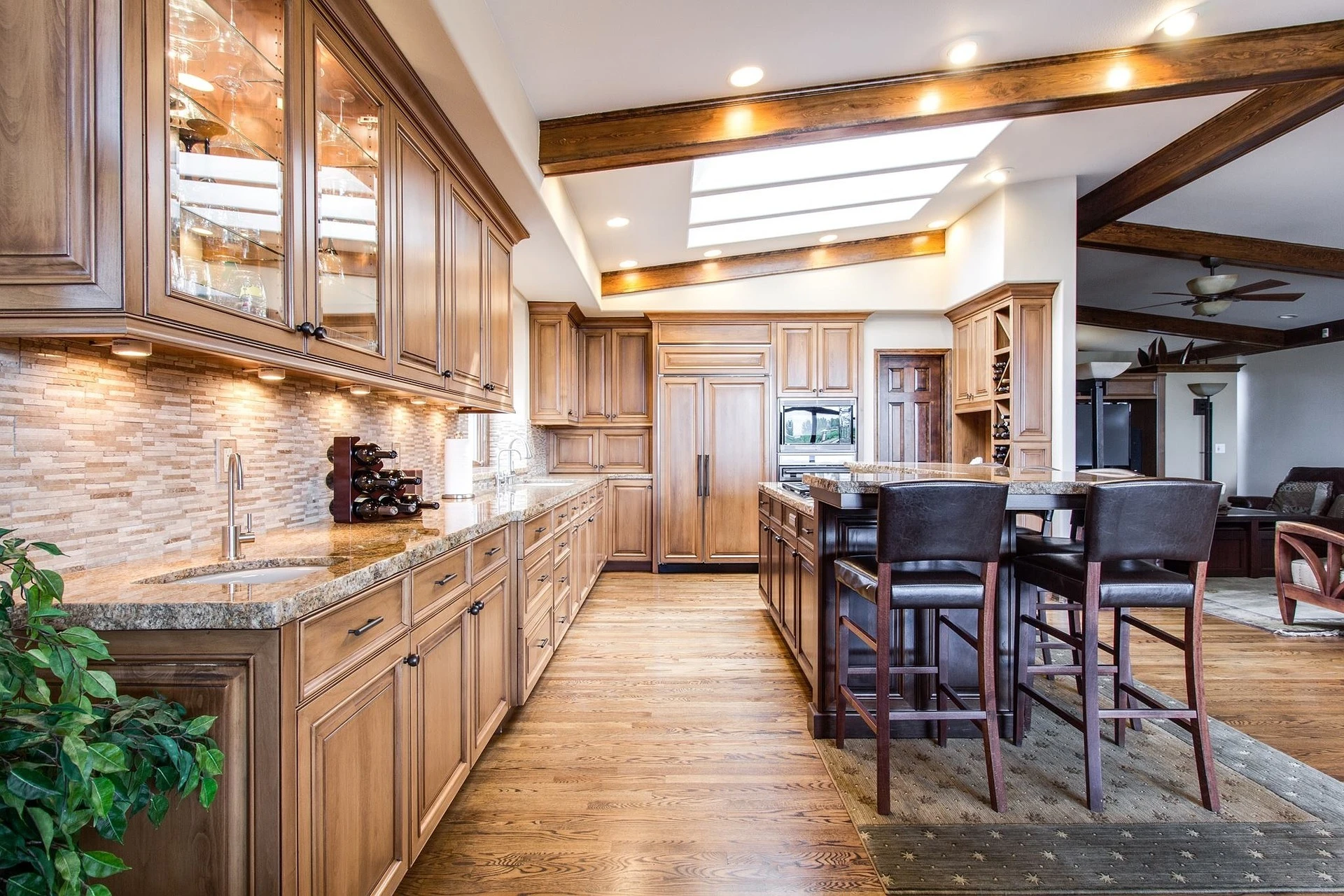
The safest lead photographs therefore leave some visual breathing room around the main subject. Kitchens, façades and primary living spaces should still make sense when displayed smaller or cropped slightly.
Keep the uncropped original. Export destination-specific versions instead.
The same rule applies to editing. The National Association of Realtors' current Code of Ethics requires realtors to present a true picture in advertising and prohibits misleading images. Correcting exposure, straightening verticals or removing a sensor spot isn’t the same as digitally changing what the property contains. Adding a fireplace, erasing an undesirable neighboring building or materially changing a view crosses into a much more serious territory.
Keep One Master, Then Make the Copies You Need
The cleanest property-photo workflow is not complicated.
Keep the photographer's highest-quality originals untouched. From those, prepare a listing set according to the portal's current requirements, a lighter web set for the property or agency website, and a print set based on the designer or printer's specifications.
When one of those systems asks for a format you do not have, make another copy.
One photograph can serve half a dozen purposes. It just should not be the exact same file every time.